
Castopod
Host and publish your podcast, with built-in social features from the fediverse.
- Use instead of
Buzzsprout,Libsyn,Podbean,Transistor,Spotify for Creators- Typical address
castopod.example.com- Project website
- castopod.org
- Official docs
- docs.castopod.org
Overview
Castopod is a podcast hosting platform. You upload episodes, and Castopod creates your podcast website, the RSS feed that podcast apps subscribe to, and an embeddable player. It’s also connected to the fediverse (Mastodon and other ActivityPub networks), so listeners can follow, comment on, and share episodes from their social accounts.
Main capabilities:
- Podcast and episode management: artwork, descriptions, seasons, episode types, and scheduling.
- RSS feed compatible with Apple Podcasts, Spotify, and other directories, including Podcasting 2.0 tags.
- A podcast website and an embeddable player.
- Chapters, transcripts, soundbites, and persons (hosts and guests).
- Analytics: downloads, listening apps, and locations, measured in a privacy-respecting way.
- Fediverse integration: each podcast is an account that people can follow, with posts and replies.
- Premium podcasts for subscriber-only episodes.
- Import from an existing podcast feed.
What it replaces
Castopod replaces podcast hosts such as Buzzsprout, Libsyn, Podbean, Transistor, and Spotify for Creators (formerly Anchor).
Signing in
Castopod’s admin area is at your Castopod address followed by /cp-admin, for example https://castopod.example.com/cp-admin. Sign in with the account your administrator created.
Create a podcast
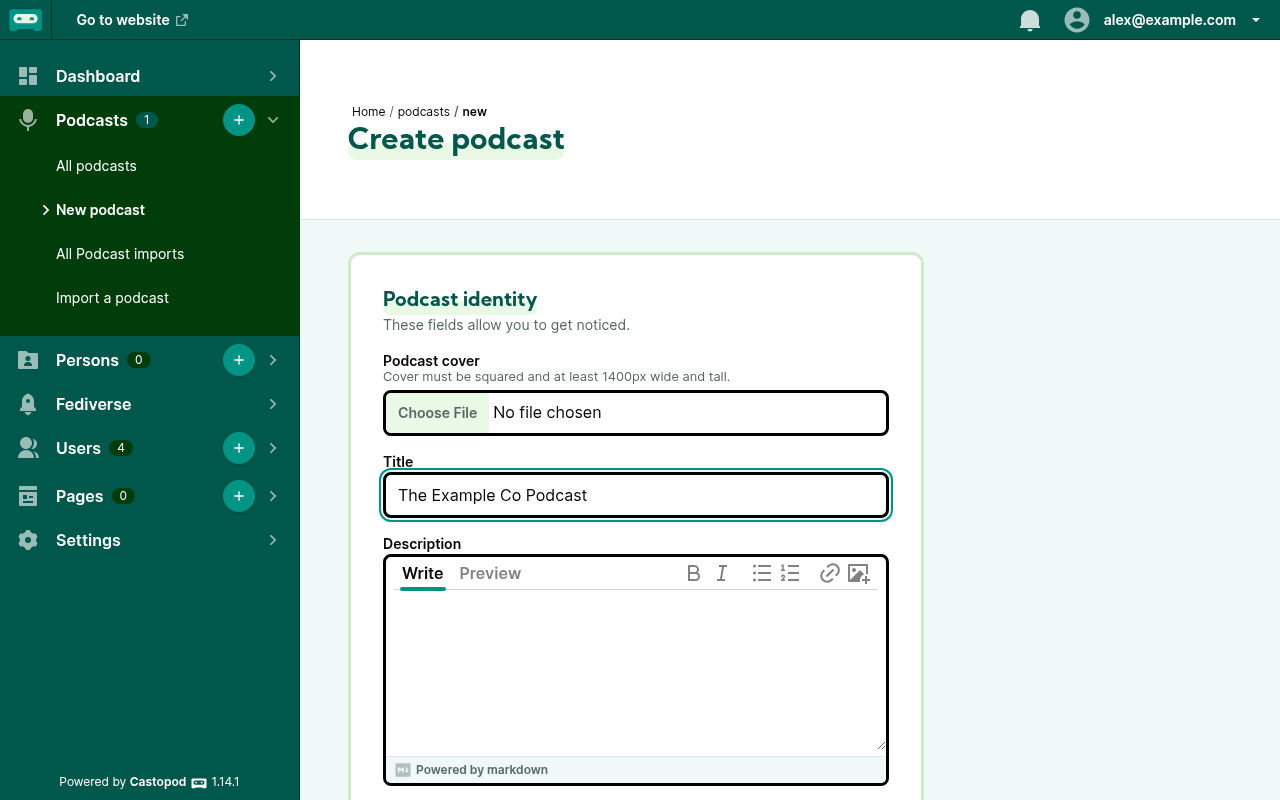
In the admin, choose Podcasts, + New podcast.
Add the cover art (square, at least 1400 × 1400 pixels, ideally 3000 × 3000), title, handle (used for the fediverse account, for example
@ourshow@castopod.example.com), description, language, and category.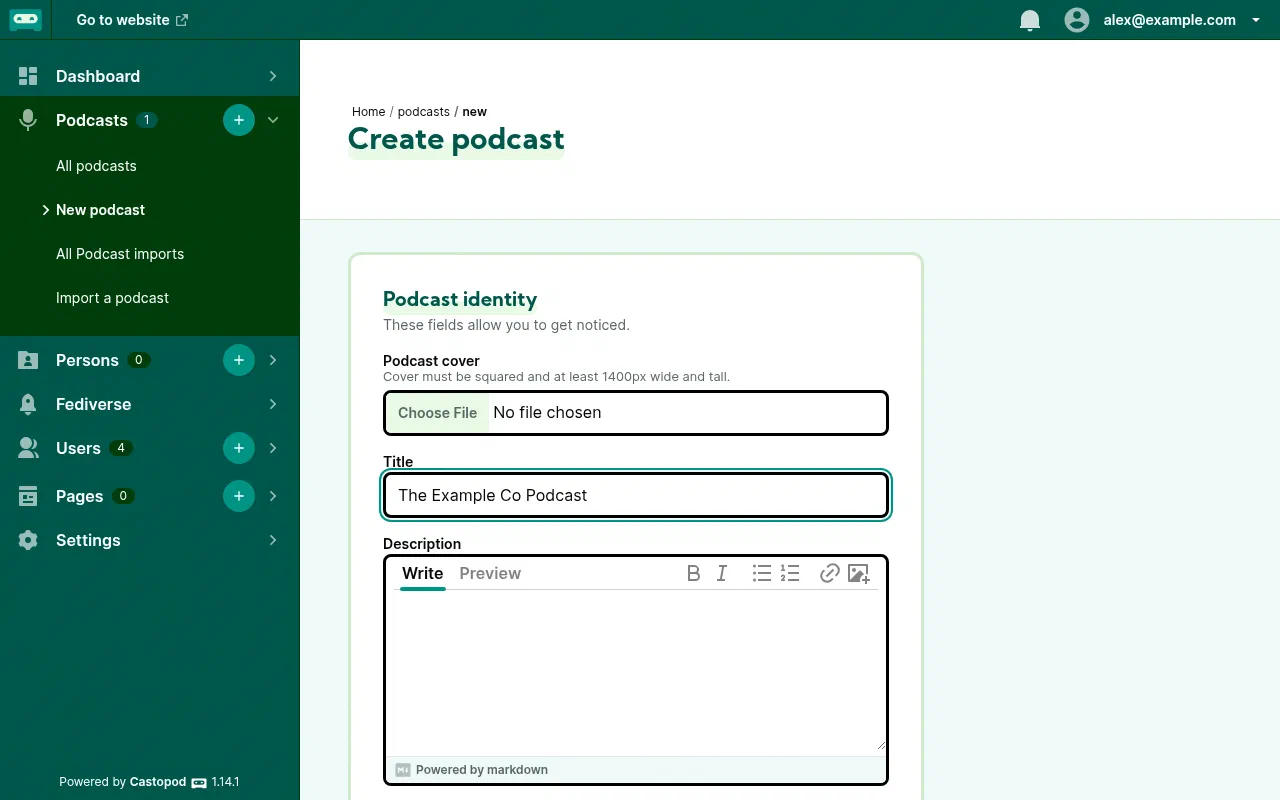
The Create podcast form. Fill in the owner name and email. Directories use this to verify you own the show.
Save. Your podcast page and RSS feed now exist.
Move an existing podcast
Choose Podcasts, Import a podcast, enter your current RSS feed address, and Castopod copies your episodes. Then set up a 301 redirect of the old feed to your Castopod feed at your old host, so listeners move automatically.
Publish an episode
- Open your podcast and choose Episodes, + New episode.
- Upload the audio file (MP3 is the safest choice) and add a title, description, and optional episode artwork.
- Set the season and episode numbers and the episode type (full, trailer, or bonus).
- Optionally add a transcript (SRT or VTT) and chapters (JSON) for apps that support them.
- Choose Publish now or schedule a date. Castopod also posts the episode to your podcast’s fediverse account.
Get listed in podcast apps
Copy your RSS feed address from the podcast’s page and submit it once to each directory: Apple Podcasts Connect, Spotify for Creators, and others such as Pocket Casts and Podcast Index. New episodes then appear automatically.
Analytics
Open your podcast’s Analytics to see downloads over time, per episode, by listening app, and by country.
Fediverse features
Your podcast’s handle can be followed from Mastodon and similar networks. Replies and favourites appear in the admin under the podcast’s social section, and you can write posts that aren’t tied to an episode.
Administer Castopod
- Users: invite collaborators and give them roles per podcast (for example admin, editor, or author).
- Settings: instance name, theme, and image processing.
Superpanel settings
- Access: choose which groups are given the Castopod admin address.
- Storage: audio files take space. Check your VM’s storage before importing a long back catalogue.