
Mautic
Marketing automation: track contacts, build campaigns, and nurture leads.
- Use instead of
HubSpot Marketing Hub,Marketo,Salesforce Pardot,ActiveCampaign- Typical address
mautic.example.com- Project website
- www.mautic.org
- Official docs
- docs.mautic.org/en
Overview
Mautic is a marketing automation platform. It tracks how contacts interact with your website and emails, lets you group them into segments, and runs automated campaigns that send the right message at the right time.
Main capabilities:
- Contacts and companies with activity history (page visits, email opens, form submissions).
- Segments that update automatically based on filters.
- Campaigns built in a visual editor with actions, decisions, and conditions.
- Emails designed in a drag-and-drop builder, sent as one-off broadcasts or by campaigns.
- Forms and landing pages to capture leads.
- Website tracking with a small script.
- Points and stages for lead scoring and lifecycle tracking.
- Reports and dashboards, plus integrations with CRMs and other tools.
What it replaces
Mautic replaces marketing automation suites such as HubSpot Marketing Hub, Marketo, Salesforce Pardot (Account Engagement), and ActiveCampaign.
Signing in
Open your Mautic address and sign in with the account your administrator created.
Get started
Add the tracking script to your website
Open the gear icon, Configuration, Tracking Settings, and copy the tracking code.
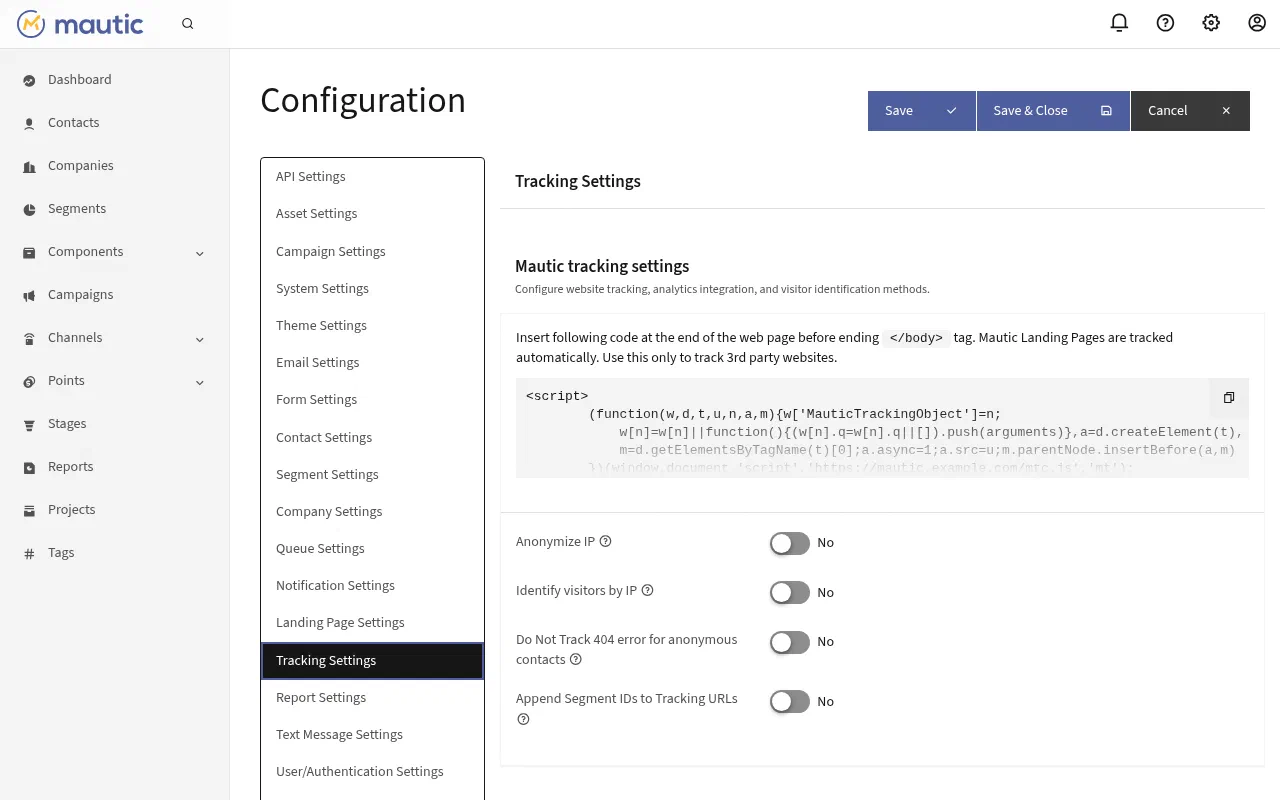
Configuration, Tracking Settings. Paste it into your website’s pages, before the closing
</body>tag. On WordPress, use a Mautic integration plugin or a header-and-footer plugin.Visit your site and confirm a new anonymous visitor appears in Contacts.
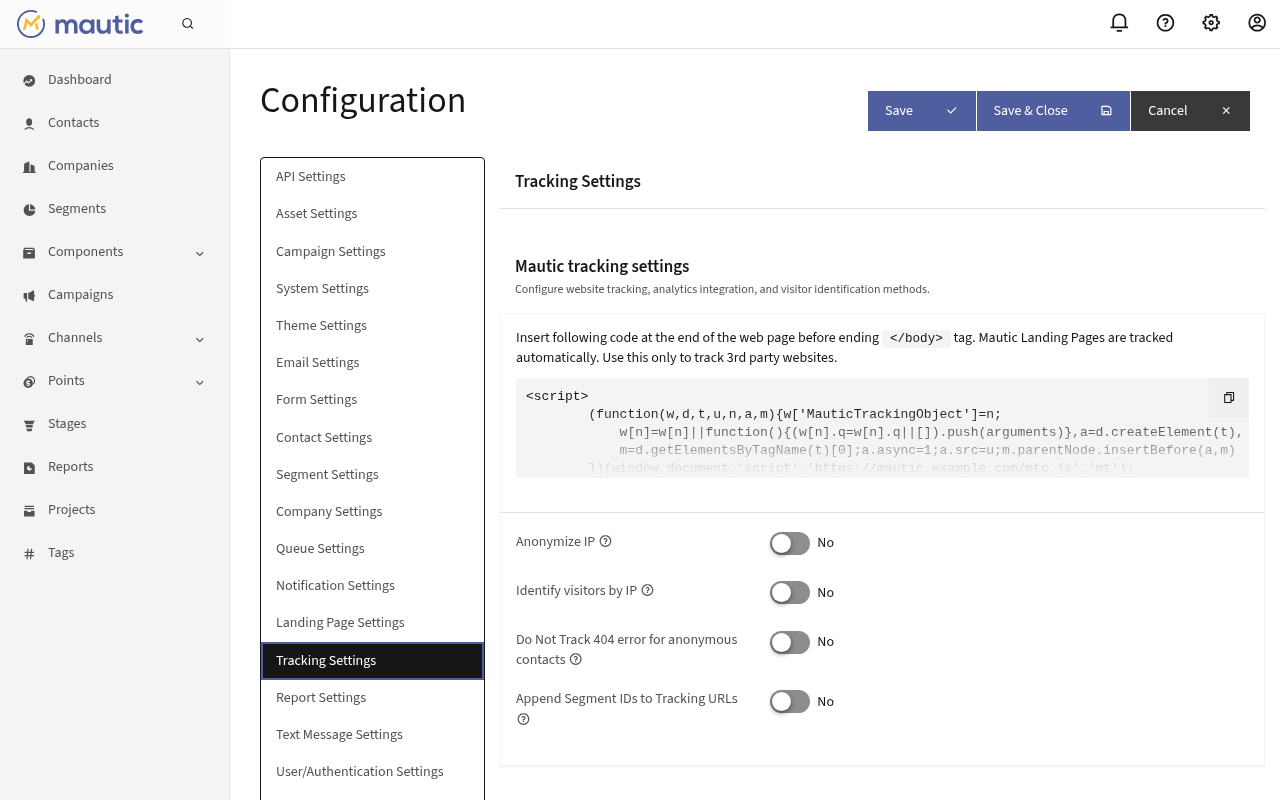
Tracking personal behavior is subject to privacy laws such as GDPR. Make sure your website asks for consent where required.
Import contacts
Contacts, then the dropdown next to New, Import. Upload a CSV, map the columns to Mautic fields, and choose a segment to add them to.
Build segments
Go to Segments, New. Add filters, for example “Country is Canada” and “Tags include webinar-2026”. Contacts join and leave the segment automatically as their data changes.
Send an email
Go to Channels, Emails, New.
Choose Segment email for a broadcast to segments, or Template email for use in campaigns.
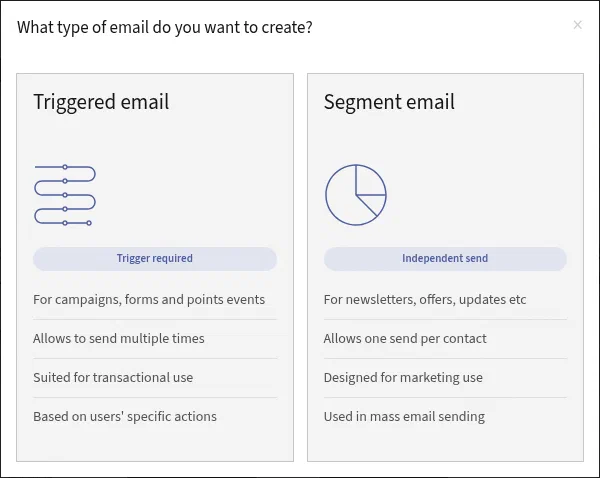
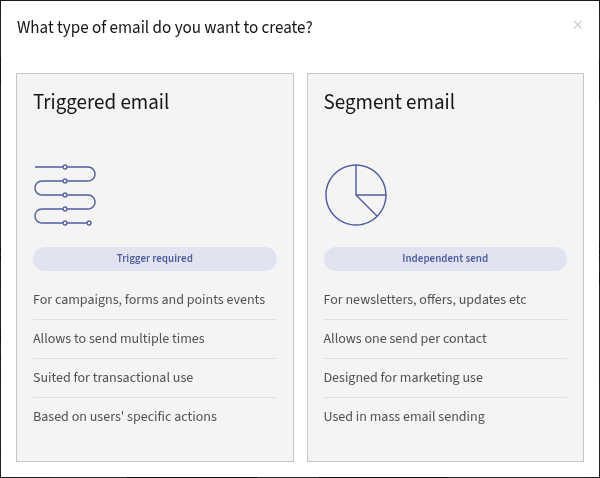
Choosing the email type. Current Mautic versions call template emails Triggered email. Pick a theme and open the Builder to design the message. Use tokens like
{contactfield=firstname}to personalize.Send a test, then save. Segment emails are sent from the email’s page.
Create a campaign
Go to Campaigns, New, and choose the segments or forms that feed contacts into it.
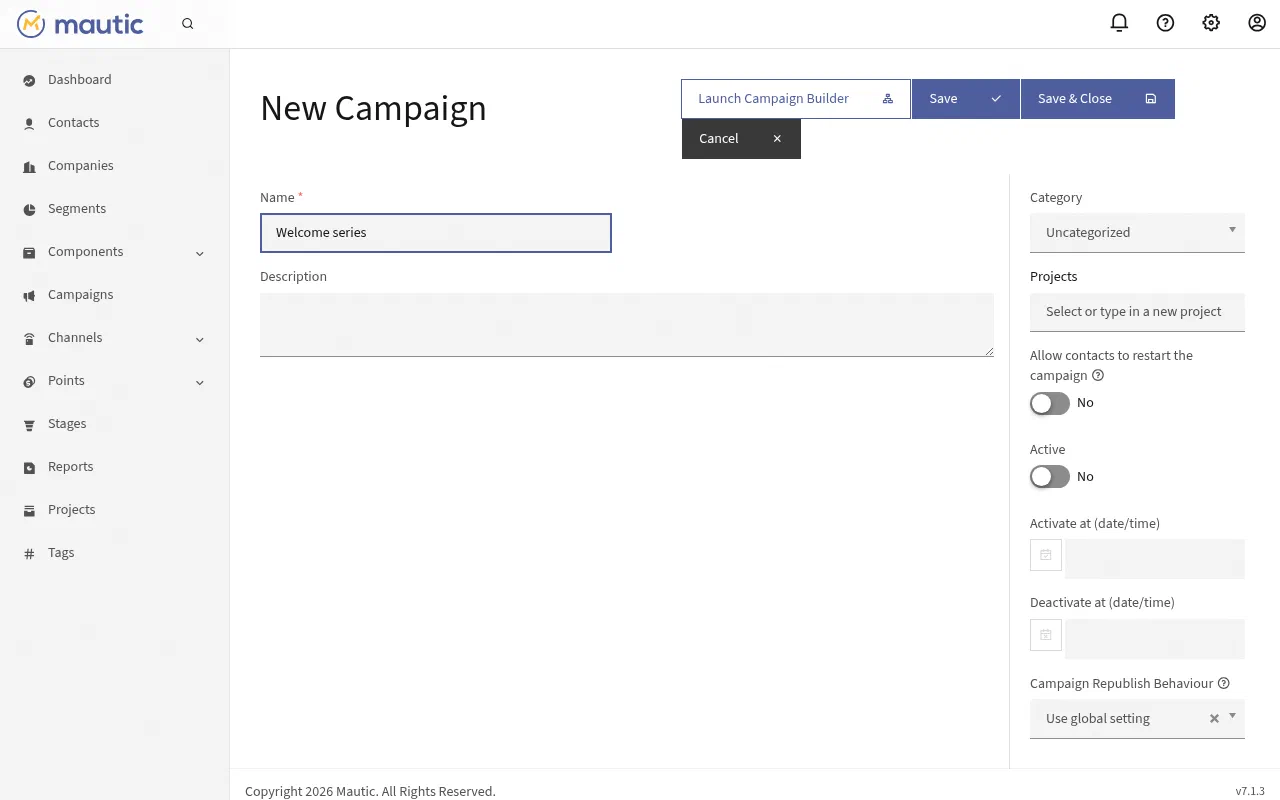
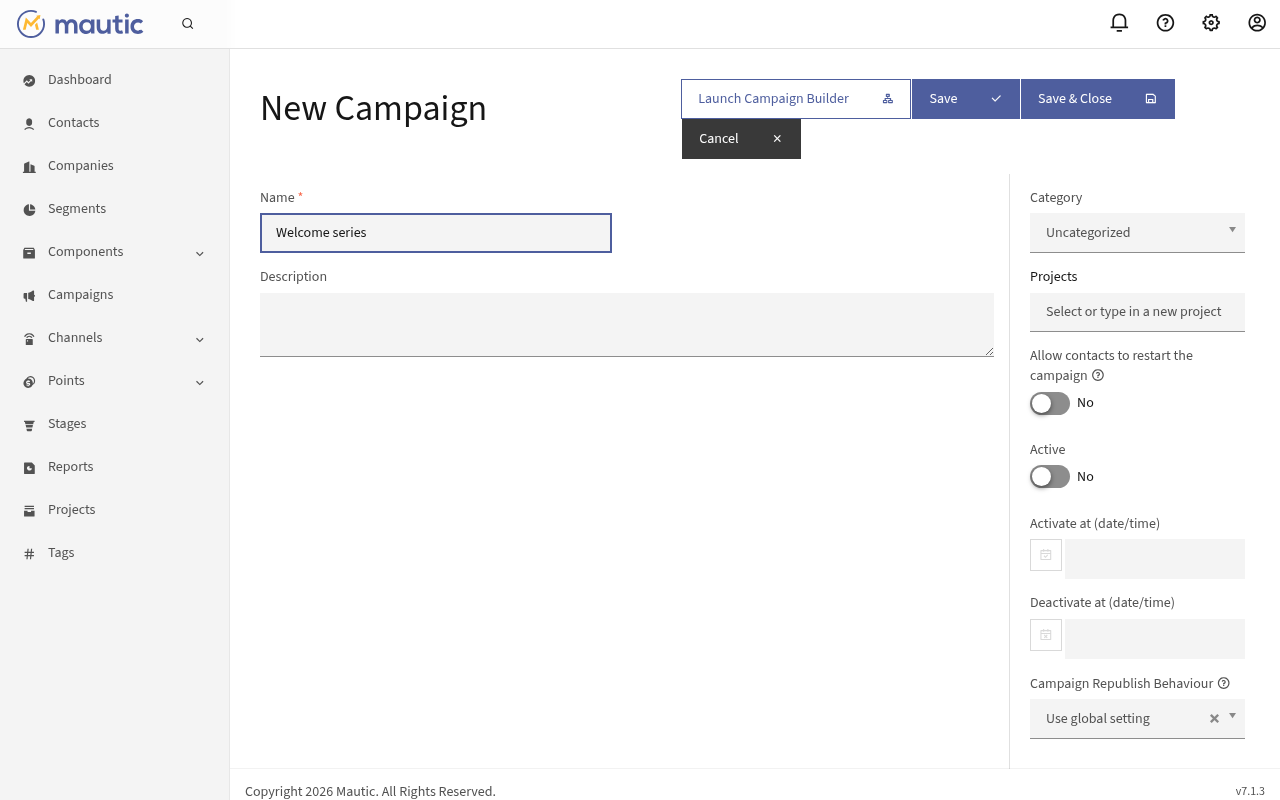
A new campaign. Launch Campaign Builder opens the builder. In the Campaign Builder, add:
- Actions (send email, add to segment, adjust points, update a field).
- Decisions (opens email, clicks link, visits a page, submits a form).
- Conditions (field values, segment membership).
Set delays between steps, publish the campaign, and watch contacts flow through it.
Forms and landing pages
- Components, Forms creates forms you can embed on any website. Submissions create or update contacts and can trigger actions.
- Components, Landing Pages builds simple pages hosted on your Mautic address.
Administer Mautic
Open the gear icon:
- Users and Roles: who can use Mautic and what they can change.
- Configuration: system settings, email settings (sending service), tracking, and privacy options.
- Custom Fields: add your own contact and company fields.
- Plugins: connect CRMs and other services.
Superpanel settings
- Access: choose which groups are given the Mautic address.
Mautic depends on scheduled tasks to update segments, run campaigns, and send queued email. Federated Computer runs these for you. If campaigns seem stuck, contact support.